How Automation Transforms Construction for Home Services
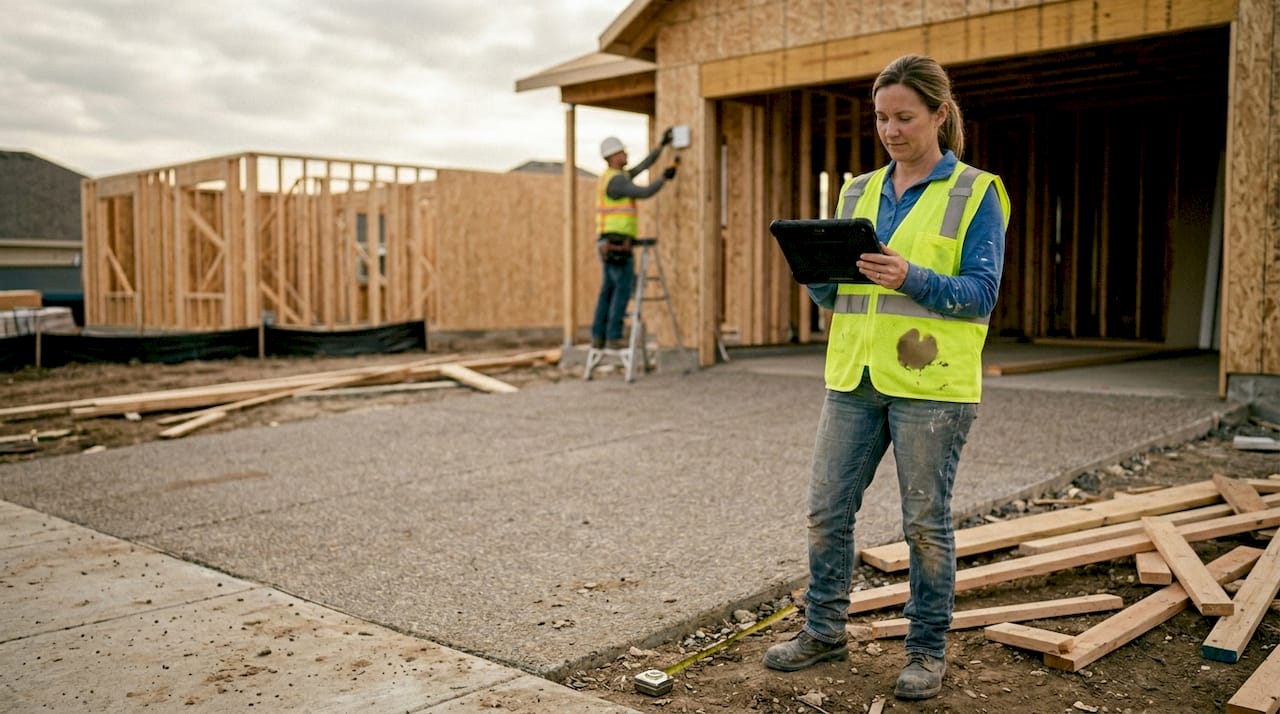
How Automation Transforms Construction for Home Services ! Supervisor using tablet at construction site Automation has a reputation problem in construction.
Automation has a reputation problem in construction. Most people picture massive robotic arms on billion-dollar factory floors, not a roofing crew in suburban Atlanta or a three-person HVAC company juggling six jobs a week. That image is outdated. Right now, automation tools built specifically for smaller operations are cutting scheduling time, reducing costly errors, and helping home service businesses compete with larger contractors. This article breaks down what construction automation actually means for your business, how it works in practice, and where to start without wasting money.
Key Takeaways
| Point | Details |
|---|---|
| Automation boosts efficiency | Automating routine construction tasks saves time and reduces errors. |
| Best for repetitive jobs | Technologies excel at predictable, rule-based tasks but lack flexibility for creative or complex scenarios. |
| Focus on integration | Integrating automation with existing workflow software delivers the fastest ROI. |
| Start small, scale up | Effective adoption begins with simple solutions before investing in advanced systems. |
What is automation in construction?
Construction automation is not a single product you buy and install. It is a category of technologies that work together to remove humans from repetitive, dangerous, or data-heavy tasks. Think of it as giving your operation a second crew that never gets tired, never miscalculates a layout, and never forgets to log a daily report.
Construction automation uses robotics, AI, software, drones, and IoT devices to handle the kinds of tasks that eat your team's time and drain productivity. For home services, that often means:
- Automated scheduling and dispatch software
- Drone-based site inspection and progress monitoring
- IoT sensors for real-time jobsite safety alerts
- AI-powered project documentation and reporting
- Layout robots for precise measurements on residential sites
The key mechanics behind these tools include LiDAR sensors, GPS positioning, BIM integration, cameras, and rule-based logic engines. A layout robot, for instance, reads your building plans digitally and prints precise reference lines directly on the slab floor, eliminating hours of manual chalk-line work and reducing human error.
Automation in construction is not about replacing your crew. It is about removing the work that slows your crew down and creates costly mistakes.
For home service contractors, the entry point is almost always software, not hardware. Project management platforms, automated client communication tools, and AI scheduling apps are the most accessible and affordable first steps. The physical robotics come later, once your workflows are clean and your team is comfortable with digital tools.
How automation works: Key components and methods
Understanding how these systems fit together makes adoption far less intimidating. At the core, construction automation combines three layers: sensing, decision-making, and action.
Sensing covers everything that feeds data into the system. Cameras, GPS units, LiDAR scanners, and IoT sensors collect real-world information from your jobsite. Decision-making is handled by software, often using AI or rule-based logic, to interpret that data and determine the next step. Action is the output, whether a robot moves, a report gets generated, or a schedule shifts automatically.
Integration with project controls is where the real efficiency gains happen. Robotics handle physical tasks while software orchestrates workflows, off-site prefabrication, and AI-driven scheduling simultaneously.
Here is how a combined system might work for a home services remodel:
- A drone performs a pre-job site scan and feeds measurements into your BIM software.
- The BIM model syncs with your project management platform, auto-generating a material list and schedule.
- A layout robot uses the BIM data to mark the floor plan on-site with zero manual calculation.
- IoT sensors monitor dust and moisture levels, triggering alerts if conditions fall outside safe parameters.
- AI generates end-of-day progress reports automatically, sent directly to the client.
| Component | Function | Home services example |
|---|---|---|
| LiDAR/Camera sensors | Collect site data | Drone roof inspection |
| GPS + BIM integration | Precise positioning | Layout robot on slab |
| AI scheduling software | Optimize crew and material flow | Auto-dispatch for HVAC calls |
| IoT sensors | Real-time monitoring | Air quality or moisture alerts |
| RPA (robotic process automation) | Automate admin tasks | Auto-invoicing, reporting |
Pro Tip: Do not start with the most advanced tool available. Automation works best for repetitive, predictable tasks. Start by automating one workflow, like scheduling, and measure the time saved before expanding.
Practical benefits for home services and small-scale construction
The business case for automation in home services is real, but it requires being honest about where the value actually comes from.
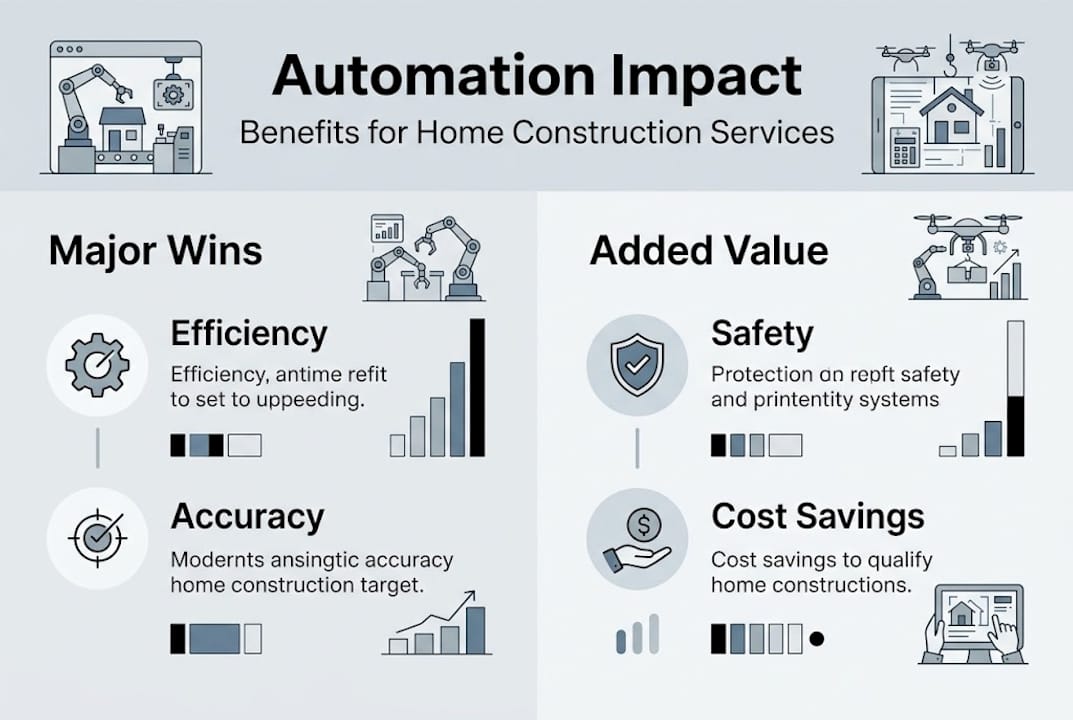
Speed and accuracy are the most immediate wins. Automated layout tools eliminate measurement errors that cause rework. AI scheduling fills crew gaps faster than any dispatcher can manually manage. Less rework means lower costs and faster project completion.
Safety improvements are significant and often underrated. IoT sensors can flag hazardous conditions before an accident happens. Drones inspect roofs and heights without putting a worker at risk. For safe electrical project management, automated monitoring tools provide a layer of oversight that manual walkthroughs simply cannot match.
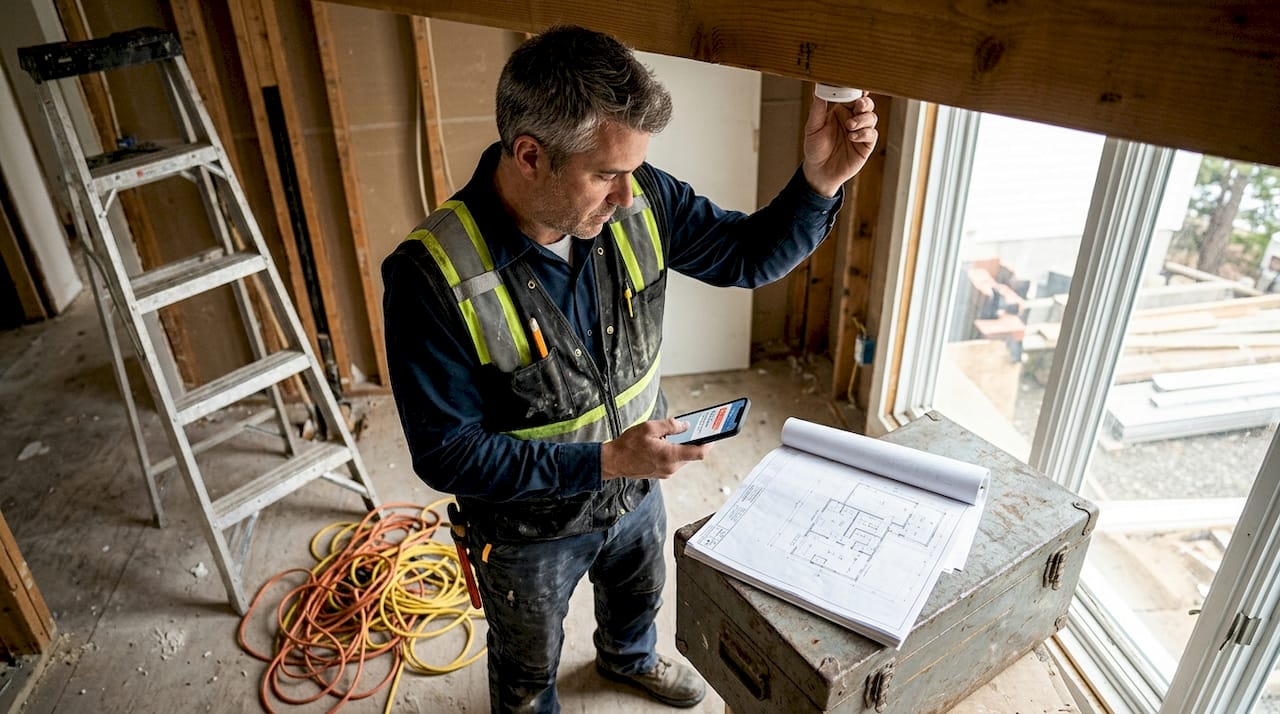
Documentation and reporting become almost effortless. Instead of spending an hour writing daily logs, AI tools compile site data, photos, and progress notes into a formatted report automatically. This protects you legally and keeps clients informed without extra labor.
Labor shortages are driving adoption across the industry, and ROI from safety improvements and better data is becoming a stronger argument than cost savings alone. That said, skeptics are right to flag site variability and training needs as real challenges.
- Reduced rework costs from layout and measurement errors
- Faster project timelines through optimized scheduling
- Lower incident rates with real-time safety monitoring
- Better client trust through automated progress updates
- Stronger compliance documentation with less admin effort
The honest concern is that automation is not plug-and-play. Your team needs training, and some tools require your site to be reasonably structured and consistent to deliver results.
Limitations, risks, and what to automate first
Automation is not magic, and knowing its limits saves you from expensive mistakes.
Automation fails in creative problem-solving situations, on chaotic or unstructured sites, and when small firms face high upfront hardware costs without clear payback timelines. Humanoid robots still struggle with the dexterity needed for complex, varied construction tasks.
Here is a prioritized starting checklist for home service businesses:
- Audit your repetitive tasks. List every workflow your team does more than three times a week that follows the same pattern.
- Start with software automation. Scheduling, invoicing, reporting, and client communication are low-cost, high-impact entry points.
- Pilot one solution with clear ROI. Run a 30-day test on a single tool and track time saved and errors reduced.
- Train your team before scaling. Adoption fails when tools are deployed faster than people can learn them.
- Evaluate physical automation later. Once workflows are optimized, consider drones or layout tools for high-frequency site tasks.
For teams exploring streamlining HVAC repair workflows, the same logic applies: fix the process first, then automate it.
The most expensive automation mistake is automating a broken process. Fix the workflow first, then let technology run it faster.
Pro Tip: Focus your first automation investment on tasks with high repetition and low variability. These are where you will see the fastest, most measurable returns.
A reality check: What most guides miss about automation in home services
Most automation guides lead with the hardware and the hype. Robots are exciting. Drones photograph well. But the real success stories from small construction firms are almost always about software first, culture second, and hardware third.
Empirical research confirms that automation succeeds in bounded, high-utilization tasks where data quality and safety drive adoption, not novelty. The firms seeing the best outcomes are not chasing the newest robot. They are automating their reporting, their scheduling, and their client follow-up first.
The underrated truth is this: training your team and aligning your workflows are harder than picking the right tool. Automation augments skilled workers. It does not replace the judgment your best people bring to a complicated job.
Take the next step with automation expertise
Knowing what automation can do is one thing. Building an implementation plan that fits your specific business is another. If you run a home services operation and want a clear roadmap for adopting automation without wasting time or budget, expert guidance makes the difference. An automation strategy for home services tailored to your workflow and team size can save months of trial and error. Connect with specialists who understand both the technology and the realities of running a small construction business, and turn these insights into measurable results.
Frequently asked questions
What tasks can be automated in small-scale construction?
Common automated tasks include site layout, reporting, material delivery, scheduling, and safety monitoring. Software-based automation in scheduling and client communication is the most accessible starting point for smaller firms.
Is automation cost-effective for home service companies?
Automation delivers cost savings through reduced labor and fewer mistakes, but upfront costs challenge smaller firms. Starting with low-cost software solutions and measuring ROI before investing in hardware is the safest approach.
Will automation replace jobs in construction?
Adoption focuses on repetitive, dangerous tasks rather than skilled roles. Automation typically shifts job responsibilities toward oversight, programming, and maintenance rather than eliminating positions outright.
How do I start with automation in my business?
Begin by automating scheduling and reporting with project management software, pilot one solution with a clear success metric, and train your team for consistent adoption before adding more tools.